Roll to Defend Wiki
Plan smarter runs, check conflicting code claims, learn the defense loop, and keep wiki notes clear while the game keeps changing.
Start with the page you need
Every route answers one player task and links to the planner when a decision is easier with inputs.
Run Planner
Choose whether to test codes, reroll, upgrade, buy a zone, or wait for offline income.
Open pageCodes
Check ADMINABUSED and JULY4TH as conflicting reported codes before trusting reward lists.
Open pageBeginner Guide
Learn the first-session loop: roll units, stop zombies, buy zones, and spend carefully.
Open pageRNG Luck
Plan luck, max-luck attempts, and reroll windows without trusting hidden odds.
Open pageZones
Unlock areas after stable clears, not just because the next button is affordable.
Open pageWiki
Track units, zombies, zones, group luck, and evidence labels as facts are verified.
Open pageTier List
Use ranking criteria without fake unit stats or unsupported damage numbers.
Open pageUpdates
Follow public Roblox changes, code conflicts, screenshots, and balance-watch notes.
Open pageYour first useful path through the wiki
Use the site like a route map: check rewards quickly, learn the first run, then use units, luck, zones, and updates only when they affect your next spend.
Check codes safely
Test ADMINABUSED and JULY4TH only as conflicting reported leads, then return to the run instead of chasing copied lists.
Open pageLearn the first run
Follow a beginner path that starts with a playable defense, reads the first zombie leak, and spends after the problem is visible.
Open pagePlan the next action
Enter coins, offline income, zone cost, reroll budget, and current issue to choose one safer next action.
Open pageImprove pulls and zones
Decide what to keep, when to stop rolling, and when a zone buy is safer than another reroll.
Open pageOpen the page that matches your bottleneck
Most Roll to Defend progress problems come from one visible bottleneck. Pick the row that sounds like your last failed run.
| Problem | Best first page | Why it helps |
|---|---|---|
| Codes look active on one page and expired on another. | Working Codes | Separates verified, conflicting reported, and expired status before you waste time. |
| Zombies keep reaching the base. | Zombies and Enemies | Turns the first leak into an upgrade, coverage, or zone-timing decision. |
| You want better units but your budget is small. | RNG Strategy | Keeps rerolls inside a planned budget so one bad streak does not erase progress. |
| The next area is affordable but risky. | All Zones | Checks stability, repair buffer, and post-unlock testing before expansion. |
| A new update may have changed advice. | Patch Notes Tracker | Shows which pages need retesting after code, unit, luck, or zone changes. |
What this site tracks
The site separates confirmed Roblox-page facts from live details that still need testing.
| Item | Status | Player action |
|---|---|---|
| Roblox page | Verified | Open the official game page |
| Offline income | Publicly listed | Use it before buying zones or rerolling hard. |
| ADMINABUSED / JULY4TH | Conflicting reported | Test once in game and record the reward or error message. |
| Discord / Trello | Needs check | Use the status page before joining any invite. |
Keep moving after each run
Use these guide paths when your next choice depends on another part of the game, such as codes, units, luck, zones, or update changes.
Guide to planner
Learn the loop, then use the planner when coins, offline income, rerolls, and zone timing compete.
Open pageUnits to tiers
Classify pulls by role before reading tier criteria, so rankings stay tied to real zombie pressure.
Open pageLuck to reroll strategy
Use luck pages to set a roll window, then open reroll strategy when the budget decision matters.
Open pageUpdates to source checks
Use status pages before trusting Discord, Trello, code, or community claims after a patch.
Open pageGameplay screenshots
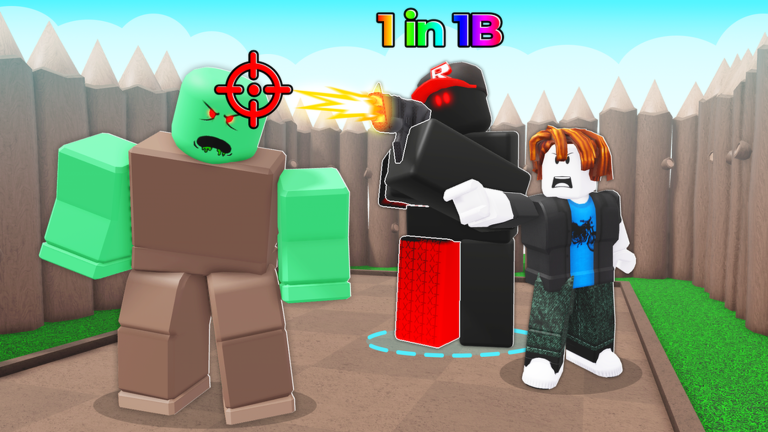
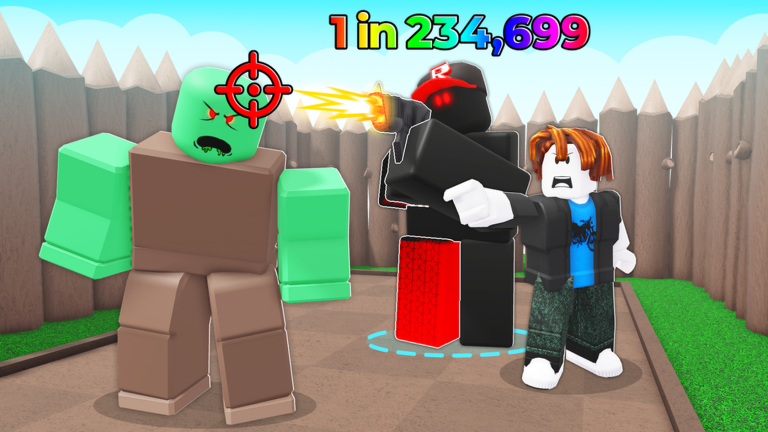
Public Roblox media keeps the page grounded in the correct game.
Why some details stay marked Needs check
Roll to Defend can change codes, unit value, zone pacing, luck behavior, and UI locations after updates. The site keeps uncertain facts labeled instead of pretending to know hidden values.
Use checked dates
Pages with volatile information show a checked date or freshness note. Recheck codes, patch notes, and luck pages after visible updates.
Respect Needs check labels
Needs check means the idea is useful for testing, but not safe enough for exact odds, prices, rewards, or final rankings.
Send better evidence
Useful reports include the page URL, screenshot context, code result, zone cost, unit role, or before-and-after run note.
Player questions
Fast answers for the most common Roll to Defend searches.
Are codes active?
ADMINABUSED and JULY4TH are conflicting reported codes today, while this site has no verified active code yet.
What does the planner do?
It turns your coins, offline income, zone cost, reroll budget, code status, and current problem into one next action.
Is this official?
No. It is a fan-made guide and tool site with links back to the official Roblox game page.